
Make an Anime!
It's not actually hard

I’m going to have a bigger Kickstarter wrap up post in a week-ish (I ended up funding 157% after late pledges—which I’ll still keep open until Friday!), but today I wanted to show you all an anime-making workflow!
Yesterday, I made this:
I’ve been wanting to see where I can streamline the AI filmmaking process, and while realism still takes a ton of time, I think with animation you can get away with some more handwavium.
The goal here wasn’t perfection, but speed without sacrificing good visuals/story/flow.
But regardless, I think this workflow can work for cinematic realism OR animation and things in between.
Creatorwood’s Movie Machine just had some big workflow updates, and so did Google Flow with Veo 3.1. (Affiliate link here, because I want moar movie machine credits pls!)
Veo 3.1 is sooo good. In almost all my tests here it was performing better than Sora 2 with image to video. (I have a hunch Sora 2 does better text to video? But haven’t tested that yet.)
But the better part is, Veo 3.1 Fast is very good, better than Veo 3 Quality was a few weeks ago. Which, cost wise for filmmaking is huge, because Veo 3.1 Fast in a Flow Ultra subscription doesn’t cost any of your monthly credits, and you can still use Quality for the shots that need it, like highly emotional moments, complex physics, or closeups.
But, really, I was getting such good quality out of Fast that, especially in animation, you can just go to town with it on a budget, and save that budget for the Topaz Astra upscaling at the end. (That is essential!!)
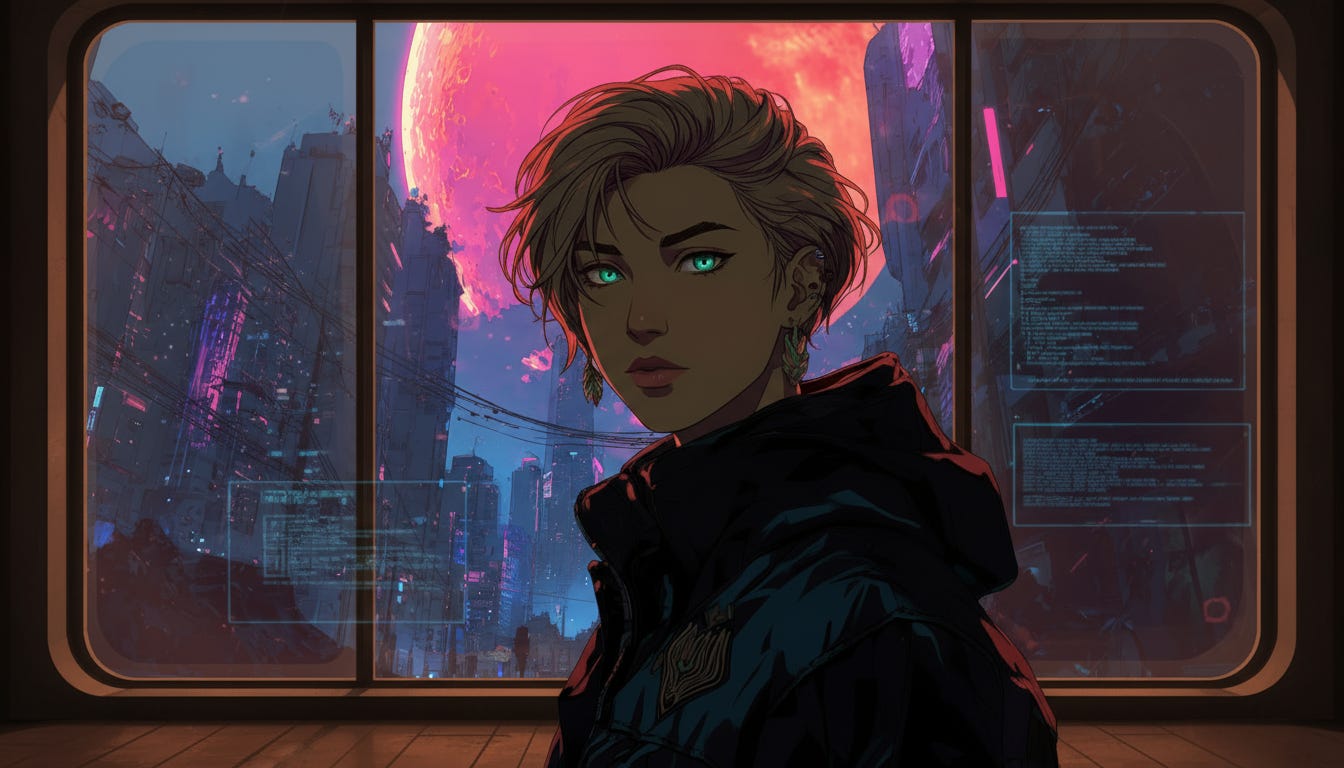
So here’s the process here:
1. Short story ingested in Creatorwood, this processed the manuscript and gave me the characters and settings and whatnot, which was super helpful.
2. I wanted a different anime style than what Creatorwood’s auto-generation gave me, though, so I found an sref combo in MJ I liked and copy/pasted the prompt descriptions from Creatorwood into MJ, took the final images back into Creatorwood as references for characters, scenery, etc. So I got that cohesive MJ style look, which I think is a lot of what makes the visuals here pop.
3. I generated several angles of each character (this is just first scene) in Creatorwood. THIS IS A MUST. I’m really finding this is a must, especially in Nano Banana. Seedream is a little more forgiving, but also, Seedream, if it doesn’t have the right reference, will do shit like this:
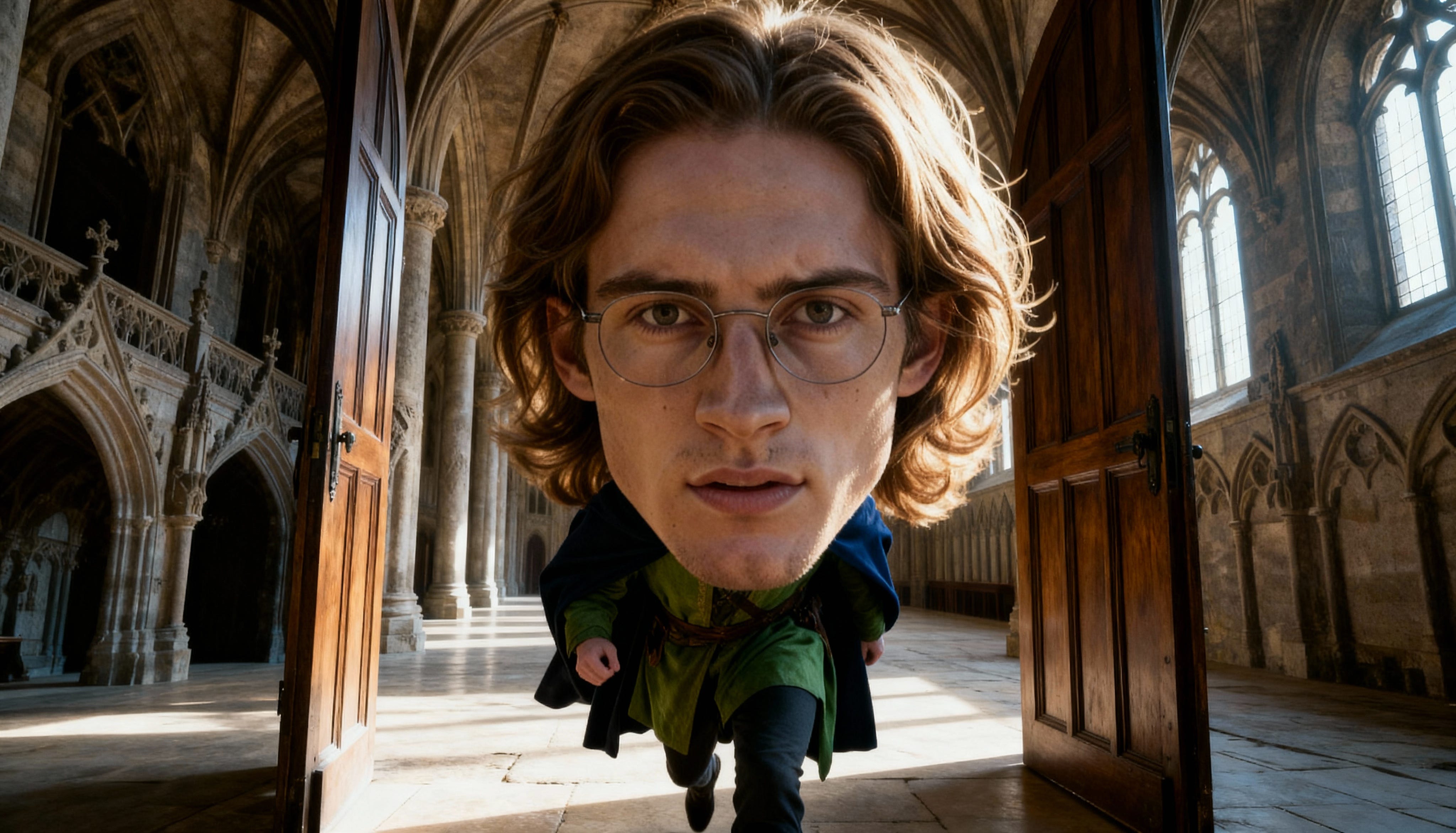
Uh, no. Lol. So, you need those different angles and different zoom levels in your character references.
But thankfully, Creatorwood’s behind the scenes stuff (preeetty sure it’s Nano Banana for the references?) can take Midjourney’s styles and replicate the look just fine.
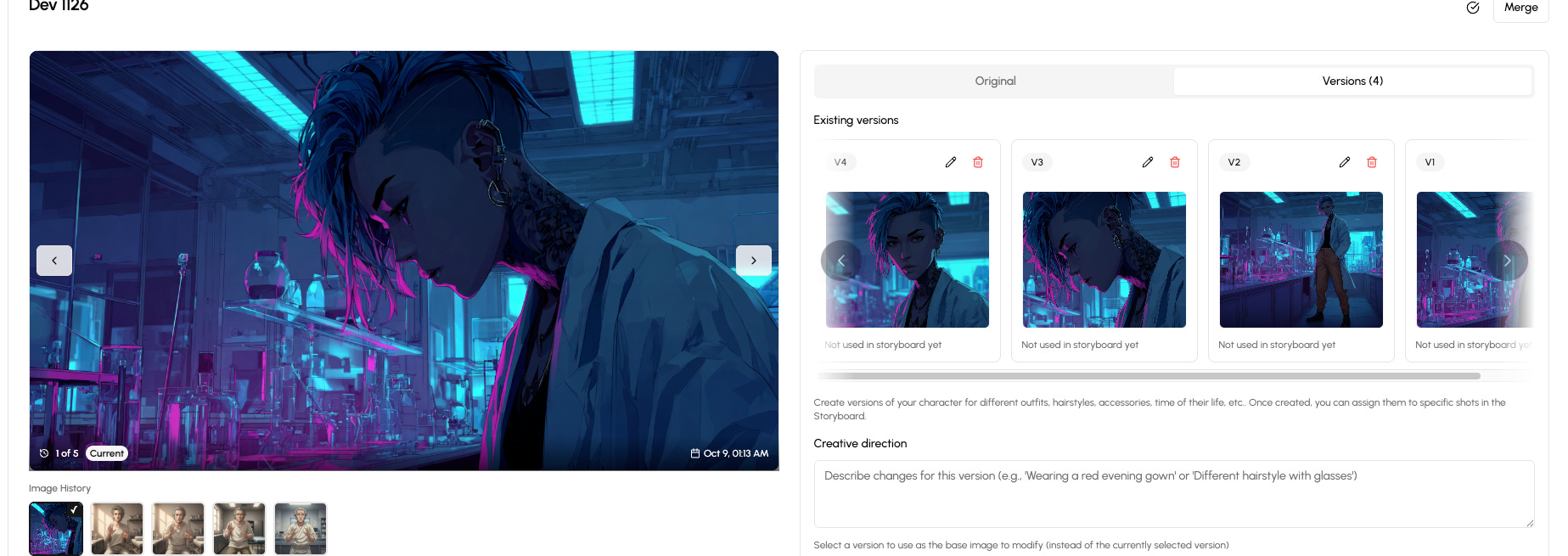
4. Next, I rewrote the dialogue and camera angles for each shot it parsed out from the story in Creatorwood in the storyboard, then generated the first frame images there.
5. Here’s where I went off Creatorwood, though—I downloaded the first frame images and took them into first Sora in Higgsfield because it’s unlimited for the next day or so yet, (only a few worked well, ehhh, Sora likes to be pretty static, there’s gotta be a better trick) and then Google’s Flow.
(Note: I love Higgsfield and I hate Higgsfield. They have some amazing features. Their interface is very meh. YMMV.)
6. I edited the clips in Davinci, then exported the audio, which was a wide-ranging mishmash of voice ranges. That didn’t work so well for voice replacement. So I made a transcript of the audio in Eleven Labs and copied that text over in 11L for v3 voice generation. A few clips I did the 1:1 voice changer thing in 11L, but most I didn’t need it.
7. Made music in Suno. V5 is amazing!
8. And I was trying to figure out how to make a cool glitchy title effect and didn’t want to hunt down fonts and/or spend a few hours figuring out how to do that from Youtube tutorials. SO I hit on making the movie title text on a green screen background in Veo3.1 complete with VHS glitch effects. It was a quick tutorial to figure out how to greenscreen it out in Davinci.
9. I upscaled the finished scene in 14-16 second chunks to 4K creative in Topaz Astra. This is the step where everything POPPED. Every line became sharp. If you cut corners anywhere—don’t cut them here if you can help it.
So this minute of footage was around 2 hrs of work yesterday, and another 2 hours of the initial story and image references setup in Creatorwood. (My King’s Weaver work is usually ~10hrs for 1 minute of work, but, that is muuuch more complicated in the references dance there, too. And I’m gonna get all my references uploaded into Creatorwood there, too, to see if I can get more organied)
I like having Creatorwood as a part of the process because it takes out a lot of the initial thinking so you can get more to the creating faster—but, you can’t use it out of the box, it needs some finessing for sure. You’ll need to validate and likely heavily change around your individual shots prompts, and here’s where those different angles come in—Nano Banana will try and put your references in the same position if there’s only one to choose from. And that would get mighty boring as an actual movie.
So that’s a great way to quickly hack out what you’ll need to make a film—and then you can import and export from there.
Another good site that does similar things but with a slightly different flow is Storyboarder.ai, which I’ve been poking at, too. This one’s more versatile in some ways, less in others. Storyboarder.ai is more industry-focused and needs a screenplay to work, and you can’t as easily edit things or the story’s flow after it’s set up. In Creatorwood, editing a story’s flow is easier, at least in my tests, and you can import straight from a book to get going.
Storyboarder can give you a super sexy shots list, though:
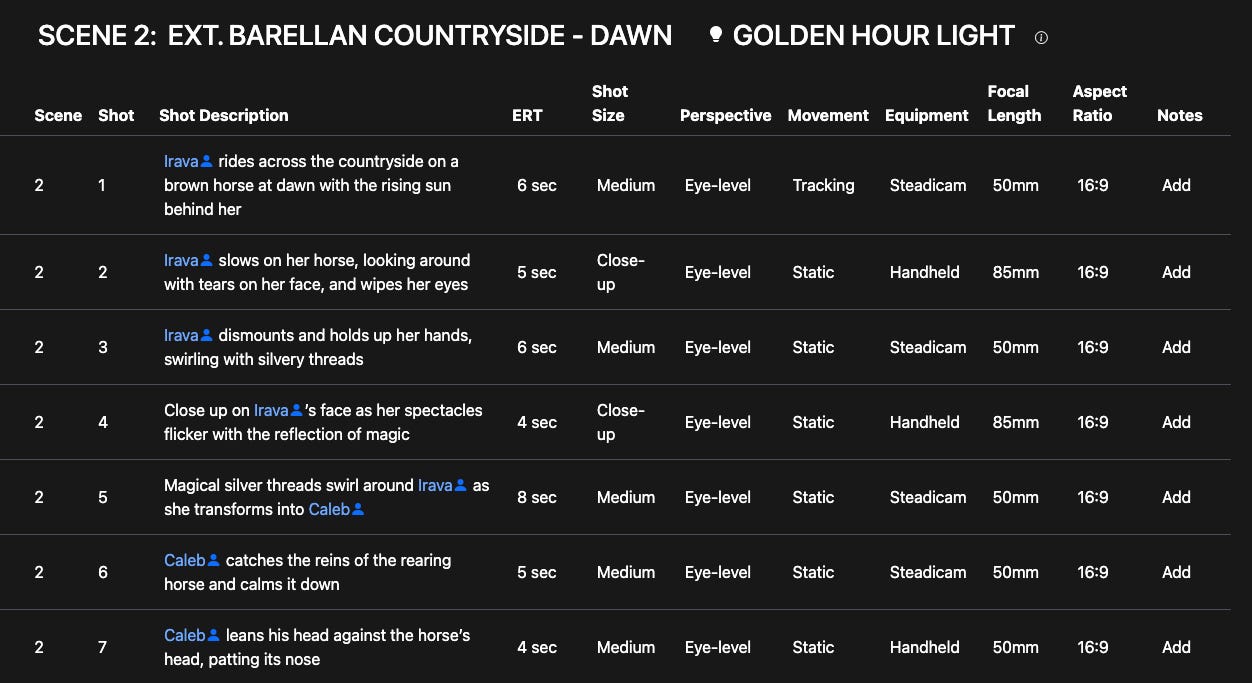
I didn’t use this in production, I was testing it. But it’s very nice.
What both of them don’t have yet is an easy way to copy/paste all that data into a video generator on your own. But Creatorwood is easier there, too, yet. I might ultimately end up using both to cover different angles. But in a quick workflow like this, that’s definitely not needed.
I do plan to keep my actual video generation separate because of cutting costs down with unlimited subs, and the versatility of generating on your own. (You can’t easily edit video yet within Creatorwood more than very basic controls, so there’s that to consider.)
Anyhow, though, that did go more quickly!
Happy anime making!
-Novae
Such helpful info! Thank you.